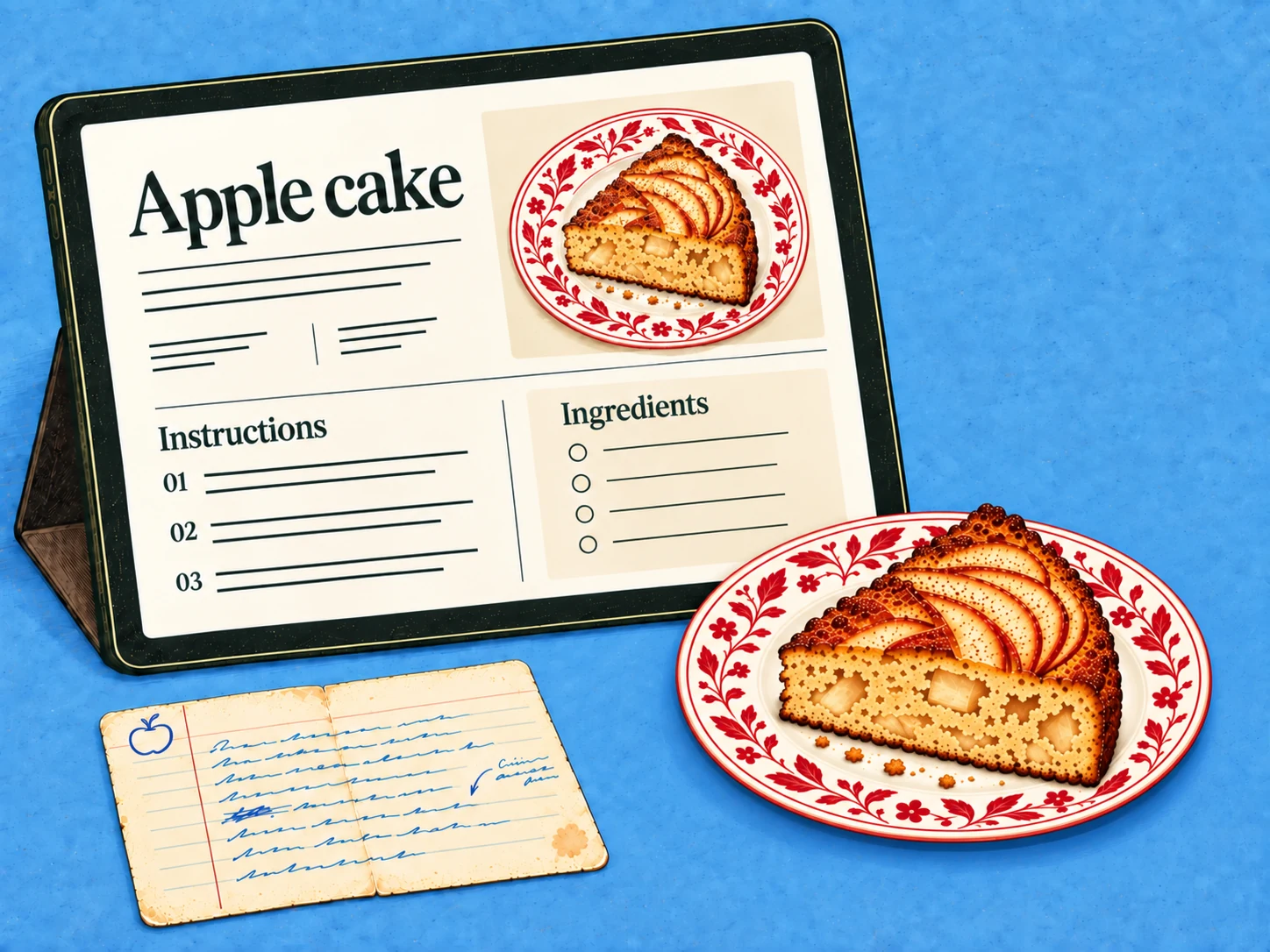
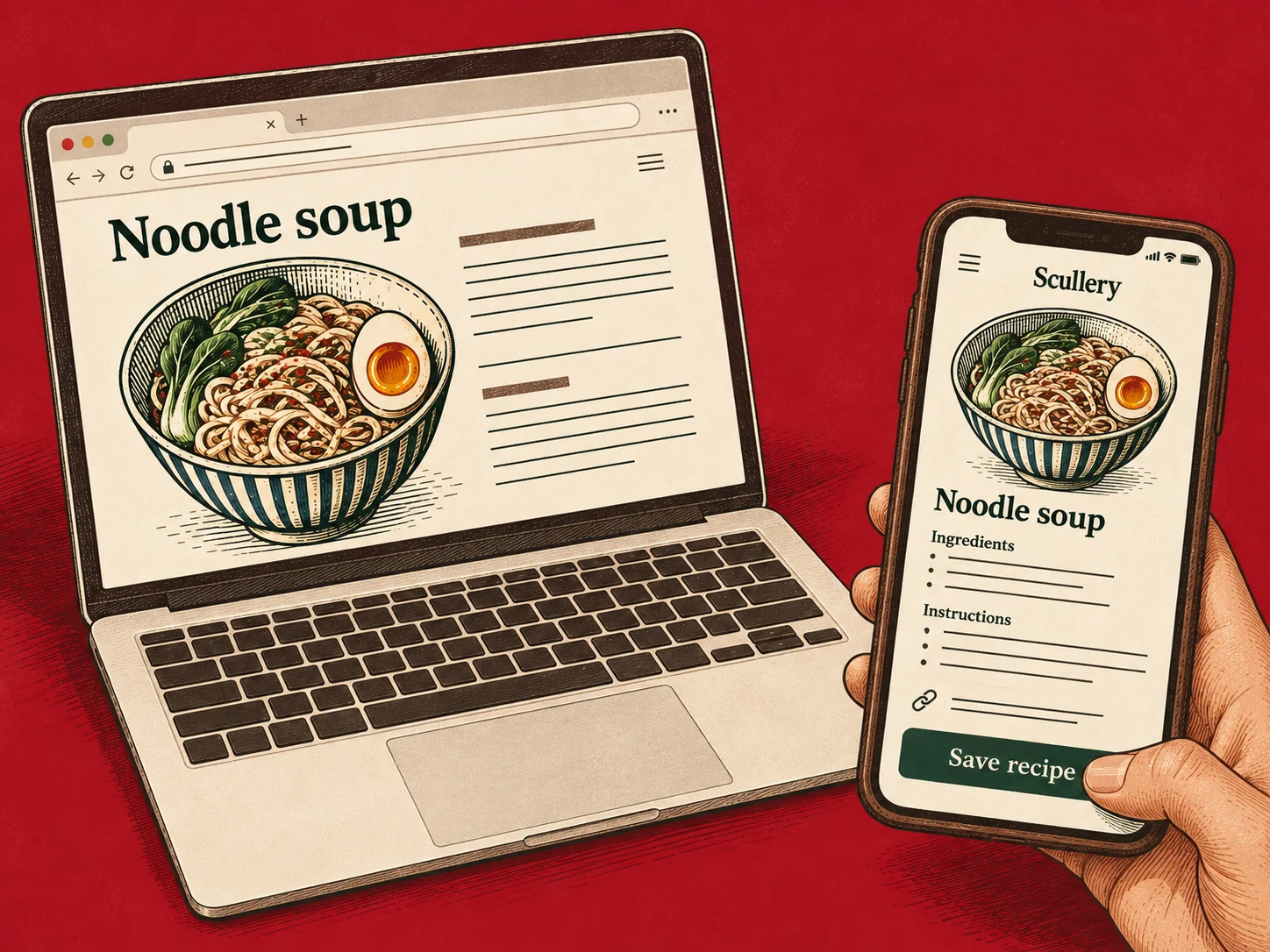
How to organise recipes digitally so you can find them
Start with the recipes you reach for, give them useful names and keep unfinished possibilities easy to find.
By The Scullery team · Written
Updated
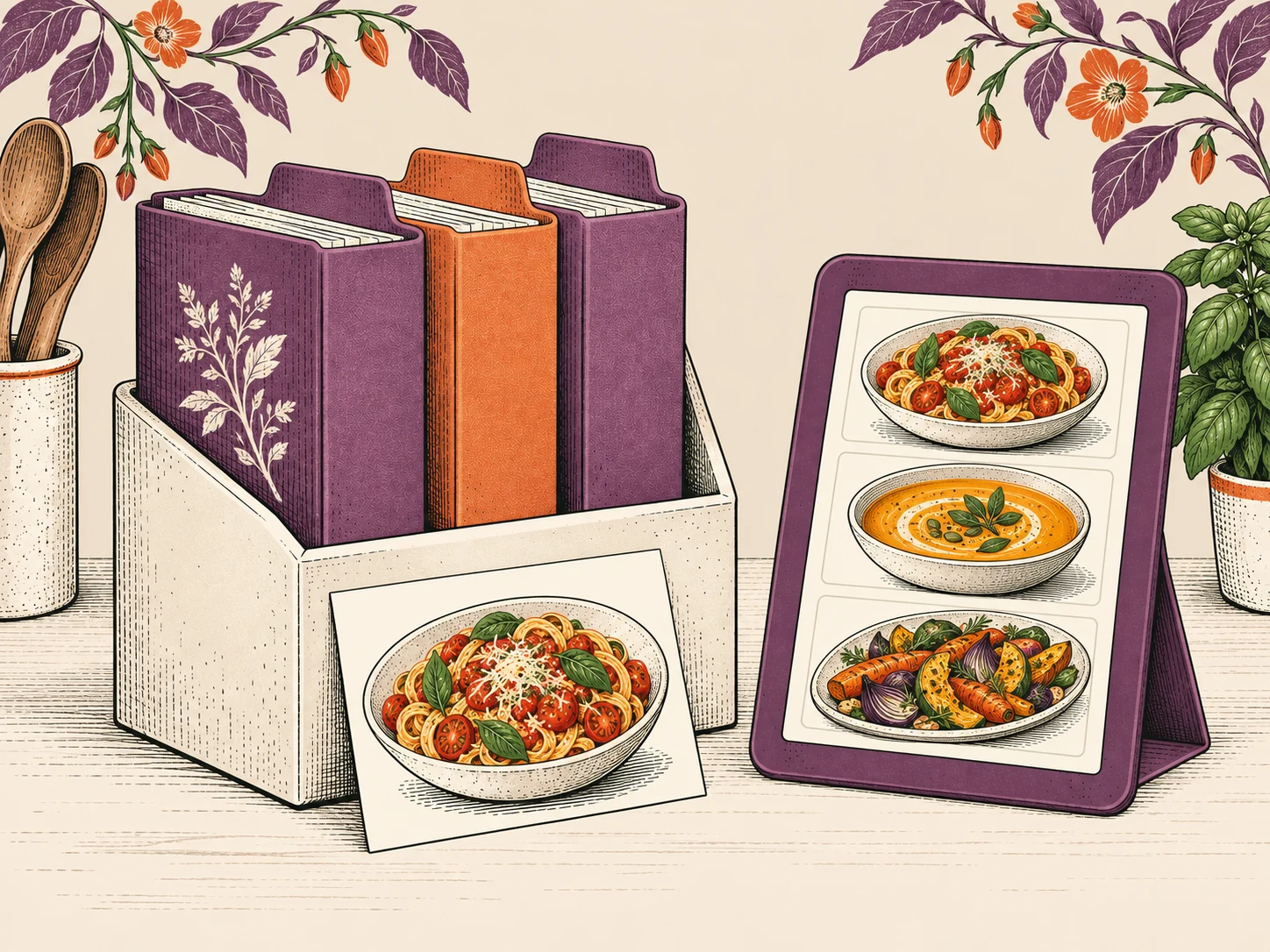
To organise recipes digitally, start with the ones you actually want to cook. Bring them into one place, give them names you would search for and keep the source attached. Sort the rest gradually; a useful collection doesn't need to begin with an afternoon spent clearing every bookmark.
Move a small working collection first
Choose ten recipes: a few reliable meals, something for a busy evening and a handful you'd like to try. Include the recipes other people in the household look for, too.
Open each source while saving it. Check that the ingredients and method belong together, especially if a screenshot captures only part of a page. Keep the original link or image so you can return to an ambiguous detail.
Leave duplicate sorting until you can compare the actual recipes. Two versions of a tomato sauce might differ in quantities or method; a similar title doesn't make one disposable. Choose which version you want to cook and explain the difference in a note if you keep both.
Name things the way you remember them
Imagine a recipe saved as “A taste of summer”. If you remember it as courgette pasta, put that in the title. A name such as “Courgette pasta with lemon” is easier to recognise when you're deciding what to make.
Keep personal context in a note: “Use the wide pan” or “Good with the spicy version on the side.” Record changes you've actually made separately from suggestions you haven't tried.
If your organiser supports folders or tags, start with the few distinctions that help you choose. Too many categories can turn saving a recipe into another task. Test your system by finding a meal when you already know its main ingredient.
Give recipes and loose ideas a clear home
In Scullery, Recipes holds recipes you've chosen to keep. To try holds recipes you want to try later. Ideas holds source material such as photos, videos, links and notes.
Those are choices, not a compulsory sequence. A familiar family recipe can go straight into Recipes. A recipe with missing details can still be saved as a draft; check those details before shopping or cooking from it.
Keep your shortlist for the next decision. Saving something to try doesn't need to mean you're making it this week.
Tidy the collection as you use it
When you cook, take a moment to correct a confusing instruction or add a useful note. When a saved recipe stops appealing, remove it from the active collection using the tools your organiser provides.
Once the small collection feels easy to search, bring in another batch. Then use those recipes to make a flexible meal plan, so the organising work helps with an actual meal.